Starkive — night catalog Nº 01

Four privacy tools.
One app you own.

An encryption & archive tool, a PDF workbench, a zero-knowledge vault, and one-time secret sharing — in one desktop app. Everything runs locally. Nothing is uploaded.

Free to download · $7.99 once · Windows & macOS

Archive Studio

Q4-board-pack.ssz

Certified · AES-256 · 8.4 MB

SEALED
Open alertsOn — email + signed receipt
Opens so far3
Recipient needsThe free app. Decryption is always free.

Certified archive opened · Lisbon · 12:04

Nothing uploadedZero-knowledge vaultNo IP addresses, everNo account for personal useWindows + macOS

The family — two entries

Two products carry this name.
They are not the same thing.

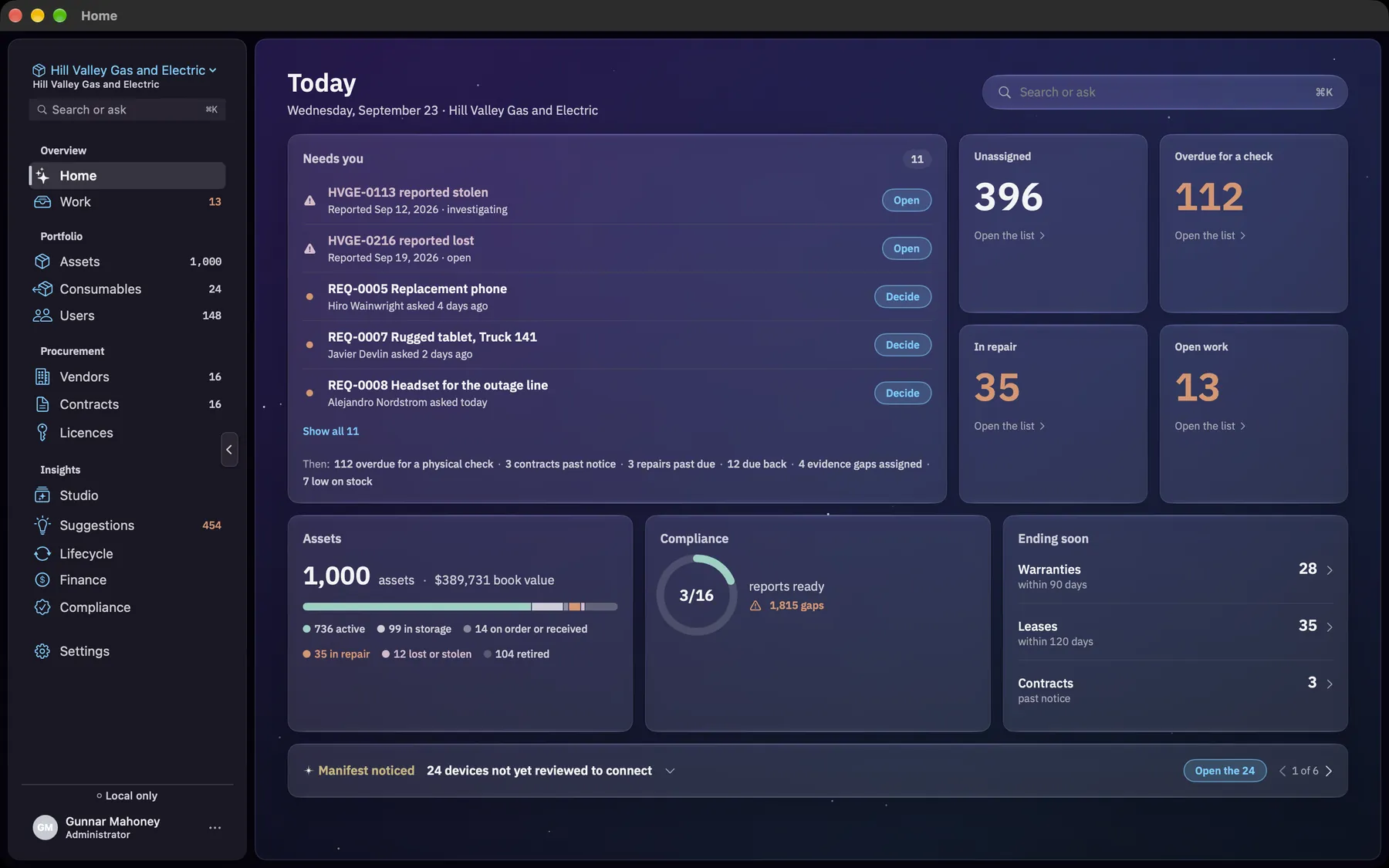
They are separate products for different people, sold separately. Manifest is for the person who runs a company's hardware. Starkive is for everyone else. They share a name and one principle — your data stays on your machine — and nothing else.

Already have an archiver?

Keep it. This was never another zip tool.

Starkive opens everything 7-Zip, WinRAR, and Keka open. Then it does the parts a zip tool was never built for.

Capability
Opens ZIP, 7z, RAR, TAR + 9 moreYesYes — all 13
Password-protects a fileZipCrypto, a legacy schemeAES-256, age, or OpenPGP
Tells you when your file is openedEmail alert + a signed PDF receipt
Password vaultZero-knowledge, Argon2id
PDF editing, signing, on-device AIIncluded
One-time secret linksIncluded
Cost of the partsFree$7.99 once, all four

Starkive opens ZIP, 7z, RAR, TAR and nine more, so keeping both costs you nothing.

Datasheet — security

The quiet risk in free PDF tools.

When someone needs to merge or convert a PDF they reach for whatever free site appears first — and the document lands on a stranger's server. Starkive keeps the whole workflow on the machine, which turns a shadow-IT habit into one sanctioned, offline tool.

FBI warning, 2025Free online file-converter tools are being used to push malware and quietly scrape uploaded documents.

U.S. FBI public service announcement, 2025

68% of breachesinvolve the human element — a person uploading, clicking, or being tricked — rather than a firewall failing.

Verizon 2024 Data Breach Investigations Report

How Starkive is built

EncryptionAES-256 — .ssz, Vault, Secret Share
Key derivationArgon2id
Also supportedage · OpenPGP · password ZIP
PDF & OCR processingOn device — no upload, no server
File contents on our serversNone
IP addresses loggedNone, ever
Open tracking storesEvent, timestamp, count
Account requiredNo, for personal use
DistributionMicrosoft Store · Mac App Store · Intune
Software you can own is software that works for you.

A password manager, a PDF editor, an encryption tool, and a secret-sharing service are usually four recurring bills. This is one payment.

Free

$0

The archive core. No account, no card.

  • Open and extract 13 archive formats
  • Encrypt with password ZIP, age, or OpenPGP
  • Decrypt anything sent to you, .ssz included — always free
  • Windows 10/11 and macOS 13+

Full version

ALL FOUR

$7.99once

≈ $2 a tool. Yours forever, free updates, no subscription.

  • Archive: Certified (.ssz) with open alerts and a signed PDF receipt
  • PDF Studio: on-device AI, OCR, edit, sign, merge, split, convert
  • Vault: zero-knowledge, Argon2id + AES-256, Touch ID / Windows Hello
  • Secret Share: one-time encrypted links, no account
  • Cloud dashboard for your full open history
  • Free updates guaranteed three years, security patches included

Unlock inside the app

Business

$5per user, less at scale

One license unlocks everything for the whole organization.

  • All four products, full version, every seat
  • Graduated volume pricing: $5, then $3, then $1 per user
  • Your email domain is allowlisted; everyone unlocks on sign-in
  • Commercial-use license, DPA available
  • Priority support with a response-time SLA
  • Centralized billing; invoices and POs welcome
See enterprise pricing →

The $7.99 unlock is a one-time personal-use license, purchased inside the app and yours forever. Companies and organizations need a commercial license. Decryption is always free for the people who receive your files.

Questions — seven

Before you download.

I already use 7-Zip, WinRAR, or Keka. Why switch?

You don't have to switch. Starkive opens all the same formats, so keep the zip tool you like. The reason to add Starkive is what a zip tool cannot do: it emails you the moment someone opens your encrypted file, it uses real AES-256 encryption instead of the weak ZIP password, and it comes with a password vault, a PDF studio, and one-time secret links. One app, one $7.99 payment, and nothing gets uploaded.

Is it really four products for $7.99?

Yes. One app contains Archive Studio, PDF Studio, Vault, and Secret Share, so the one-time $7.99 unlock works out to about $2 a tool. It's a forever license: no subscription, and we guarantee free updates for at least three years, including feature releases and emergency security patches such as zero-day fixes.

What actually needs the $7.99 unlock?

The unlock turns on the paid products: Starkive Certified (.ssz) with open tracking, Secret Share, PDF Studio, and Vault. The free tier still opens 13 archive formats, creates password ZIP / age / OpenPGP files, and decrypts anything sent to you, including .ssz.

How strong is the encryption?

Starkive Certified (.ssz), Vault, and Secret Share use AES-256. Vault derives its key with Argon2id. A standard password-protected ZIP uses ZipCrypto, an older, weaker scheme kept for compatibility with Windows Explorer, so use Certified, age, or PGP when strength matters.

Where are my files stored?

On your machine. The PDF tools and the vault run entirely on your device. For Certified open tracking we store only the open event (timestamp and count) and never your file contents or IP address.

What does a recipient need?

A Certified (.ssz) file opens with the free Starkive app on Windows or macOS, and decryption is always free. A Secret Share link is different — it opens in any browser with no app at all.

How do I install it?

On Windows, install from the Microsoft Store, so there is no SmartScreen warning and no separate .exe to download. On macOS, get it from the Mac App Store.

Four tools. One download.

Free to try. Unlock everything for a one-time $7.99, yours forever.

Windows 10 / 11 (64-bit) · macOS 13+