DocumentationiPhone
Compliance
Compliance is its own tab on the iPhone. Answer the scope questions once, and it shows which frameworks apply, how many evidence reports are ready, and the biggest gaps first.
- For
- What your register is held to, how much of the evidence it already holds, and what's still missing, with a way to the field or step that fills each gap.
- Will not
- It measures the evidence in the register, not your whole programme. Whether your controls satisfy an auditor is between you and them.
- Writes
- Nothing, by itself. Following a gap takes you to the place it's recorded; you do the recording.
Before anything else: the scope
Which frameworks apply is worked out from your answers. You don't pick them off a list.
Until somebody has answered, the tab says No scope recorded on this iPhone, with Answer the scope questions: what your register handles, where you operate and any certifications you hold. Starkive works out which of the 12 standards apply and which of the 16 evidence reports they need.
The sections
Chips pinned at the top jump to each one: Overview, Gaps, Frameworks, Reports and Evidence pack.
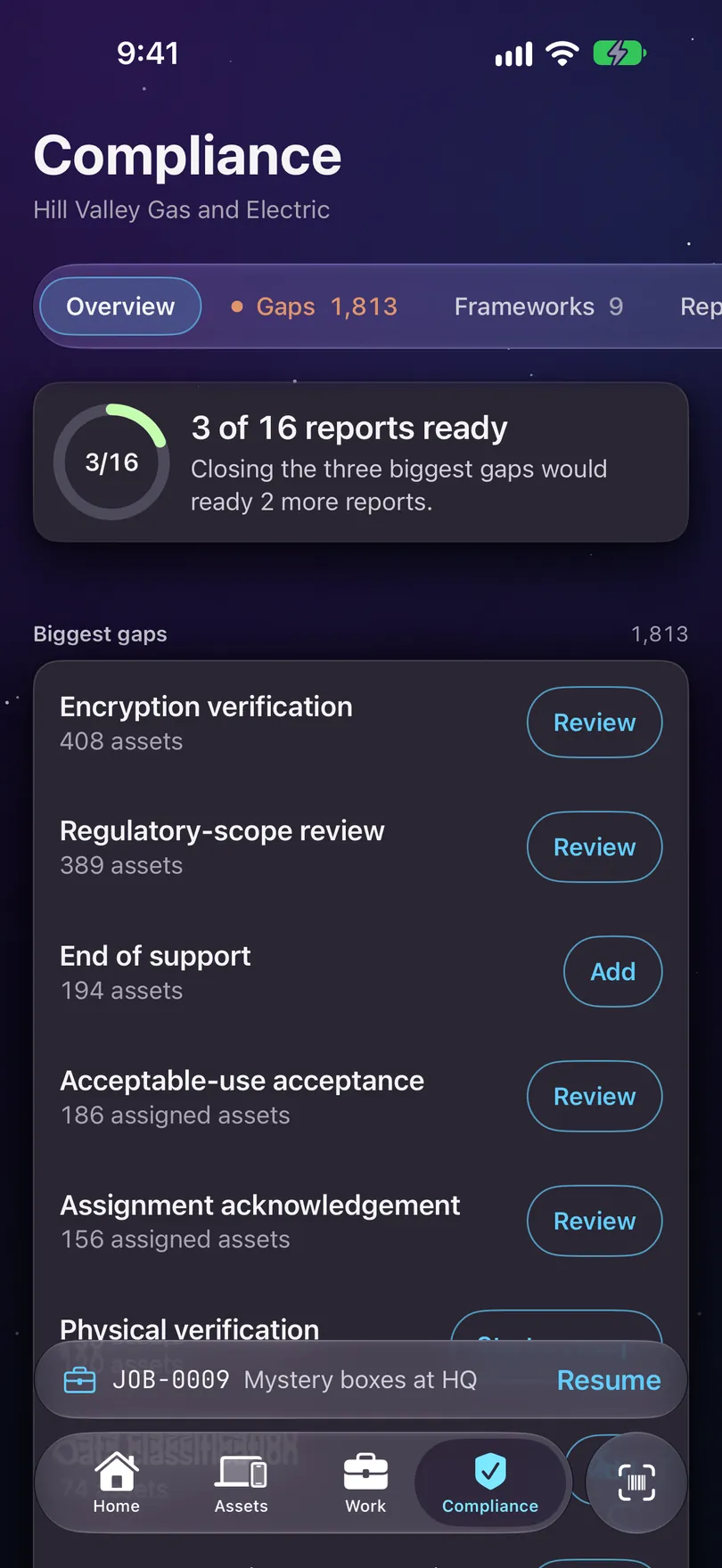
- Overview: a ring showing how many of the evidence reports your frameworks need are ready.
- Biggest gaps: what’s missing, ranked by how many assets it touches, worst first. With nothing missing it reads Nothing missing, and says that covers the register, not the rest of your programme.
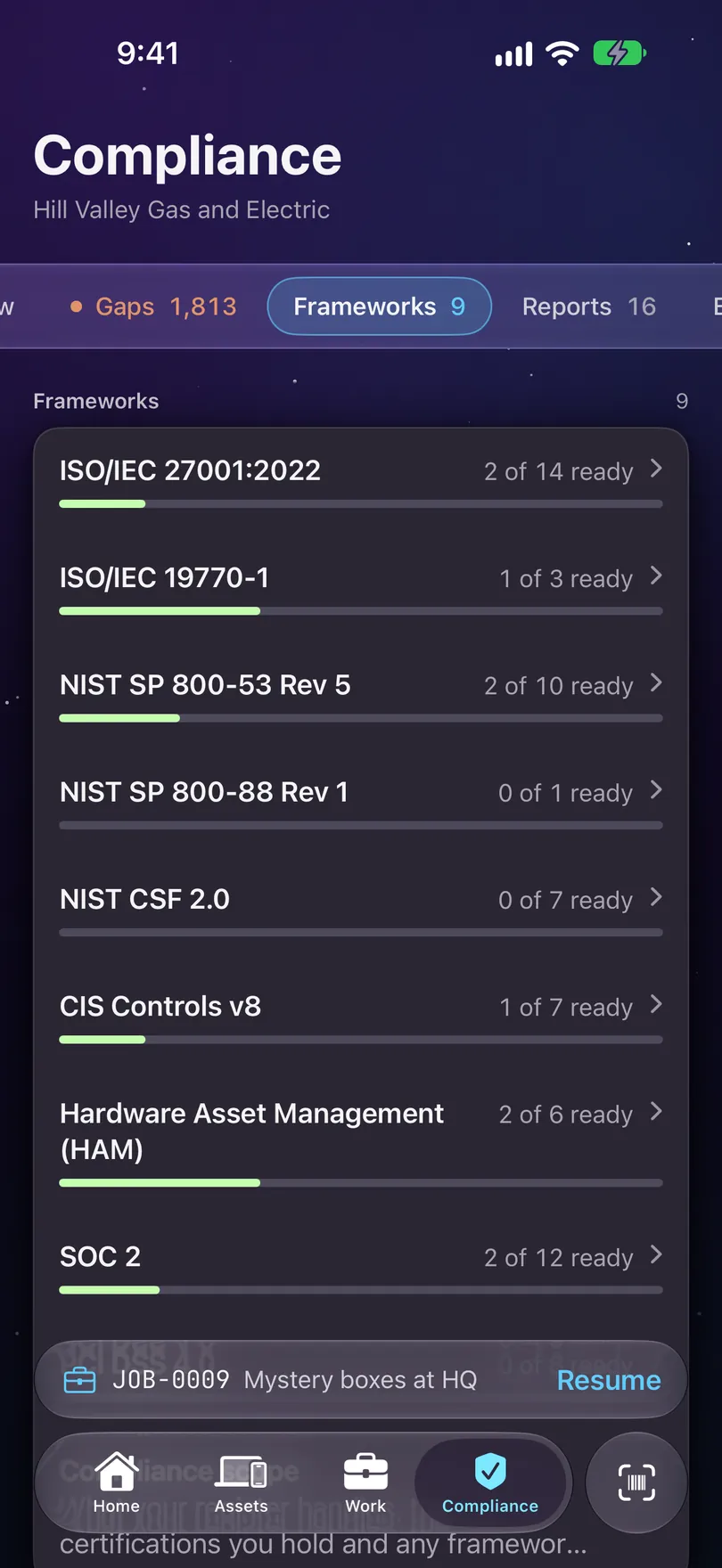
- Frameworks: each one that applies, with a progress bar. Tap one for its own screen. Compliance scope at the bottom changes your answers.
- Reports: every evidence report your frameworks need.
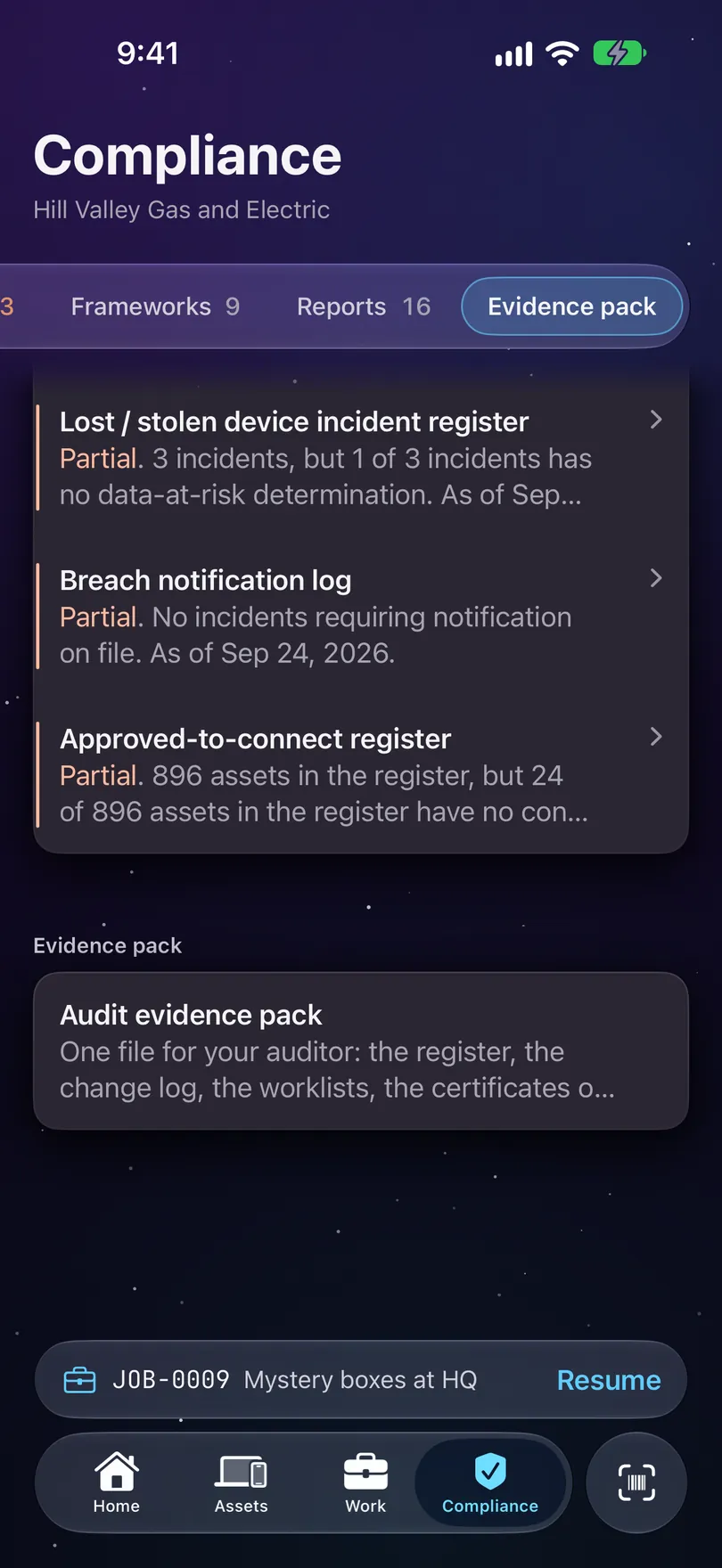
- Evidence pack: Audit evidence pack shares one file for your auditor from the phone: the register, the change log, the worklists, the certificates on this iPhone, and a manifest mapping every artefact to the controls it evidences. What is still missing is listed in it too.
Closing a gap
Tap a gap to see the assets it touches, then tap one to go to the field or step that fills it. Nothing is recorded until you do it.
A gap is closed on the asset, so that’s where it takes you. Each asset that’s short of evidence also says so on its own record, with a card like 3 things for compliance and one next step for each, like Verify, Confirm or Add. See Assets.
Following a gap never records anything by itself. Some evidence is performed rather than typed, like verifying a machine or confirming its encryption, and that is only recorded when somebody does it.